
In 2025, audio is everywhere, but the real value appears when you turn it into text.
AI and speech-recognition tools now produce fast and reliable results. What once felt optional has become a practical skill for anyone working with content, whether they are new to the field or experienced professionals.
The numbers highlight this shift. Many leading tools now reach accuracy levels above 95 percent under strong recording conditions.
High-quality transcription supports better SEO, smoother content repurposing, and clearer documentation.
Modern tools also provide real-time captions, stronger accessibility, and features that make everyday workflows easier and more efficient.
In this guide, you’ll find the 8 best AI audio-to-text converter tools for 2025, plus simple tips that help you create accurate, reliable transcripts every time.
What Is an AI Audio-to-Text Converter?
An audio-to-text converter is a smart tool that changes spoken words, like recordings, interviews, classes, or meetings, into written text. It uses AI, machine learning, and modern speech-recognition tech to understand different accents, speech styles, and even background sounds.
How It Works
– Upload your audio or record it live.
– The AI listens and processes the speech.
– It quickly turns it into text.
– You can then edit, save, or share the final transcript.
Key improvements of the AI Audio-to-Text Converter in 2025 include:
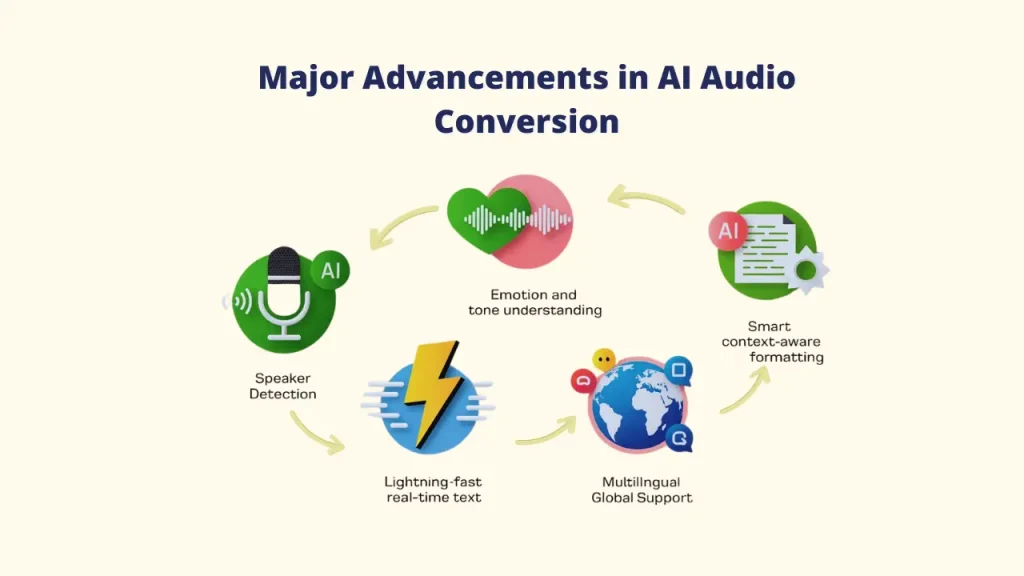
AI Audio-to-Text Converters in 2025 are smarter and more accurate than ever. Some standout features include:
👉 Speaker detection: Automatically recognizes and labels each voice in a conversation
👉 Emotion + tone understanding: Captures the feeling behind the words for clearer context
👉 Real-time transcription: Near-zero delay for live sessions and meetings
👉 Context-aware formatting: Understands technical terms and industry-specific language
👉 Multilingual support: Instantly works with 100+ languages for global users
Benefits of Using AI Audio-to-Text Converter in 2025
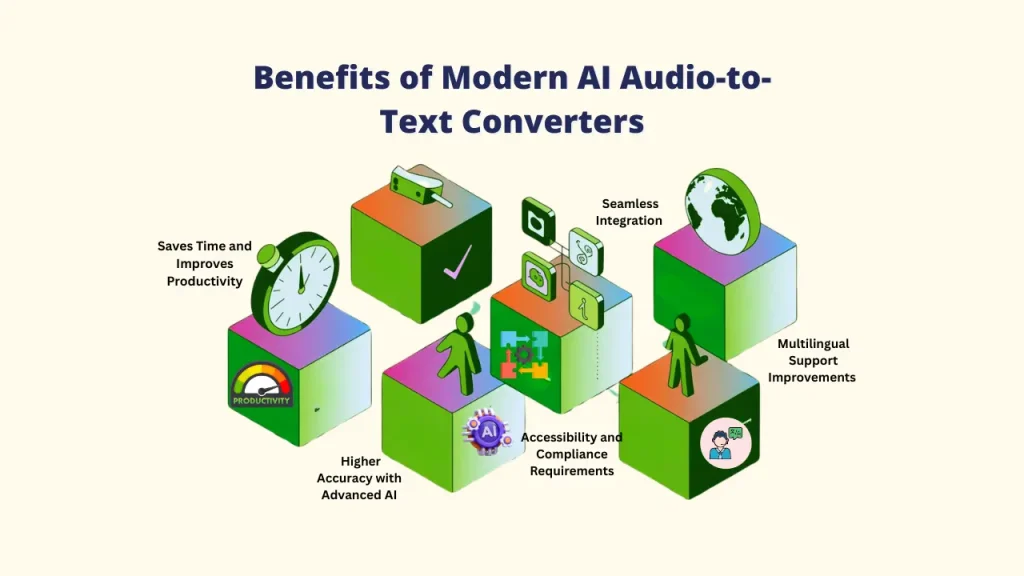
AI audio-to-text converter tools have become an important part of the digital workflow. With smarter AI and faster processing, these tools offer huge value for anyone who works with audio.
➕ Saves Time and Improves Productivity
Manual typing can take hours, but AI tools can turn audio into a first draft within minutes. This allows you to spend less time on transcription and more time on planning, creating, or analyzing.
➕ Higher Accuracy with Advanced AI
Modern speech-recognition models now reach accuracy levels above 95% for clear audio recordings. This reduces the amount of proofreading needed and makes the whole process smoother.
AI Audio-to-Text Converter like Voisi combines top audio and language AI engines to deliver even better results.
➕ Seamless Integration with Productivity Software
Modern AI audio-to-text converter tools now connect directly with platforms like Zoom, Google Meet, Microsoft Teams, and even CRM and project management tools. This allows a meeting to be transcribed automatically the moment it ends with no extra steps required.
➕ Accessibility and Compliance Requirements
High-quality, timestamped transcripts and subtitles are non-negotiable for meeting accessibility standards, ensuring your content is available to everyone and compliant with regulations like GDPR and HIPAA (for specialized services).
➕ Multilingual Support Improvements
Modern AI audio-to-text converter tools do more than transcribe. They can also translate your text into multiple languages in real time. This makes it easier to reach global audiences and expand your content into new markets.
Top AI Audio-to-Text Converter Tools for 2025
1. Voisi
Overview
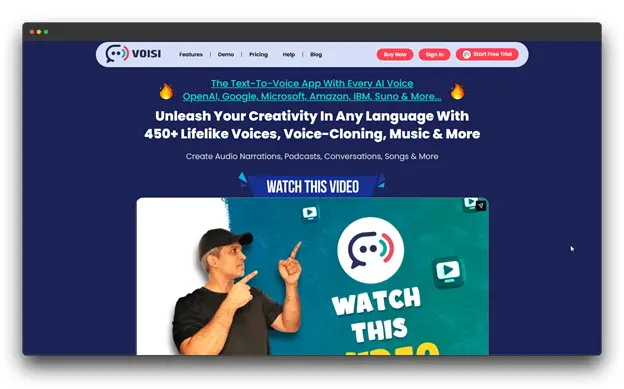
Voisi is an AI-powered platform that combines an AI audio-to-text converter, text-to-speech, and language translation into a single streamlined system.
Known for its library of 450+ realistic voices, Voisi also delivers highly accurate transcription, making it ideal for users who need both audio creation and audio-to-text conversion. You also create high-quality MP3 files of the final audio.
Pros
➤ Excellent transcription accuracy with clear audio
➤ Combines transcription, translation, and TTS in one platform
➤ Strong multilingual capabilities
➤ Great for creators needing both voice generation and transcription
➤ Reliable, responsive customer support
Cons
➤ Not as specialized as dedicated transcription-only tools
Perfect For
Content creators, educators, and businesses need a comprehensive audio solution that includes transcription, translation, and AI voice generation in one platform.
Cost: $27 a month, including credits and a license for self-business use.
2. Sonix
Overview
Sonix combines advanced NLP and machine learning to deliver highly accurate transcripts, detect speakers, interpret complex terminology, and handle varied accents.
It also offers powerful post-processing tools such as AI summaries, sentiment analysis, and topic detection, making it a favorite among professionals and media teams.
![Screenshot of the Sonix homepage, promoting 'Automated translation in 54+ lan[guages]. Fast, accurate, and affordable.' The page includes logos of major clients like Scotiabank, USC, VICE, and Seeking Alpha. Keywords: AI Audio-to-Text Converter; Audio-to-Text Converter."](https://getvoisi.in/blog/wp-content/uploads/2025/12/Picture3-30.webp)
Pros
➤ Exceptional accuracy across diverse audio qualities
➤ Extremely fast processing (e.g., 10-minute audio ≈ 2 minutes)
➤ Advanced AI tools: summaries, sentiment analysis, topic extraction
➤ Ideal for researchers and media workflows
Cons
➤ Higher price than many alternatives
➤ May be more advanced than occasional users require
➤ Some learning curve for deeper features
Perfect For
Businesses, media teams, researchers, and enterprise users who need industry-leading accuracy, advanced AI analysis, and secure transcription for high-stakes projects.
Cost : $5 per hour for premium plans for multi-user
3. Rev
Overview
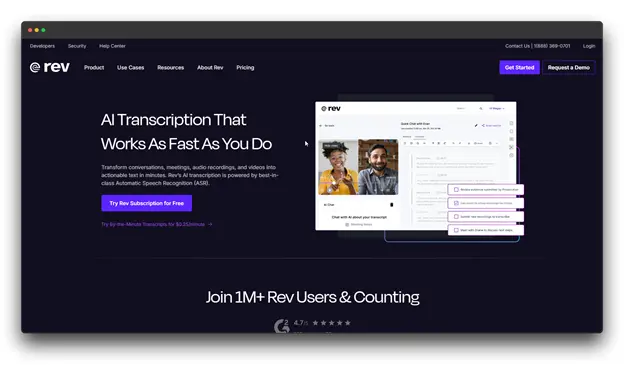
Rev is a flexible platform for an AI audio-to-text converter that provides both human-performed and AI-powered transcription services.
Beyond standard transcription, Rev now uses AI to generate headlines, captions, key quotes, and summaries, making it a valuable tool for content creators and professionals who need more than raw text.
Pros
➤ Flexible choice between AI and human accuracy
➤ Exceptional quality with human review
➤ Custom vocabulary
➤ Reliable customer support
Cons
➤ Human transcription can be pricey for high-volume users
➤ Some AI features require a subscription, not pay-as-you-go
Perfect For
Professionals in legal, medical, academic, and corporate fields who need highly accurate, reliable transcripts and value the option of human-quality assurance.
Cost: $34.99 per seat/month with an interactive transcript editor
4. Otter
Overview
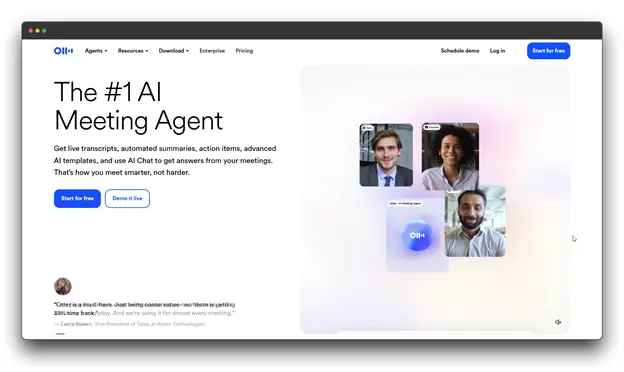
Otter is one of the tools for live, automatic meeting transcription. This AI audio-to-text converter provides real-time captions, recognizes different speakers, and integrates seamlessly with popular video conferencing apps.
Known for its meeting-focused workflow, Otter’s AI continuously learns from user interactions, improving accuracy and vocabulary over time.
Pros
➤ High accuracy with smooth integrations
➤ Excellent for team meetings and collaboration
➤ Learns vocabulary from past transcripts
➤ Ambient voice pickup for in-person meetings
Cons
➤ Less accurate with strong or uncommon accents
➤ Optimized for meetings, not general audio files
➤ Struggles with overlapping speakers
➤ Advanced features require paid tiers
Perfect For
Remote teams, professionals with frequent meetings, and collaborative workplaces need automatic meeting documentation, searchable transcripts, and video conferencing integration.
Cost: $30 per month for custom AI workflows and unlimited file imports.
5. Descript
Overview
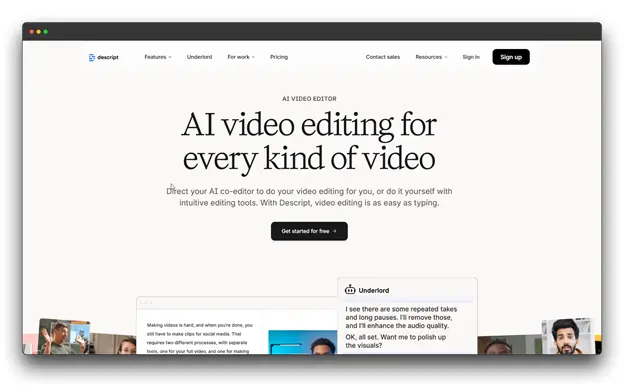
Descript provides automatic transcription alongside a full suite of audio and video editing tools, a podcast production workflow, and screen recording. Its standout innovation is text-based editing edit the transcript, and the audio/video edits itself.
Pros
➤ Robust tools for podcasters and video creators
➤ Overdub voice cloning and advanced enhancement tools
➤ Reduces the need for multiple production apps
➤ Real-time, browser-based team collaboration
Cons
➤ More expensive than simple transcription tools
➤ Steeper learning curve due to feature depth
➤ Transcription accuracy slightly below specialized services
Perfect For
Podcasters, YouTubers, and multimedia professionals who need integrated transcription and powerful audio/video editing in a single, unified platform.
Cost: $35 per person per month, which can be scaled to a team of three using AI credits.
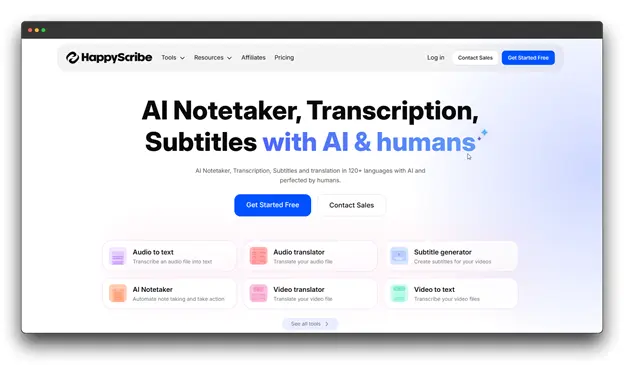
6. Happy Scribe
Overview
Happy Scribe is an AI audio-to-text converter and captioning platform designed for creators who need accurate transcripts and multilingual subtitles.
It supports major languages like English, French, German, and Spanish and can generate subtitles in dozens of languages, making it ideal for global video content.
Pros
➤ Excellent for creating localized, multilingual video content
➤ Fast turnaround times
➤ Built-in video player for easy subtitle alignment
➤ Option for human-reviewed transcripts and subtitles
Cons
➤ Performs best with European languages
➤ Expenses rise quickly for heavy subtitle workloads
➤ Fewer advanced AI features compared to top competitors
Perfect For
Video creators, YouTubers, course creators, and international businesses that require transcription and multilingual subtitle creation for global audiences.
Cost: $29 per month for human proofreading and notetaking.
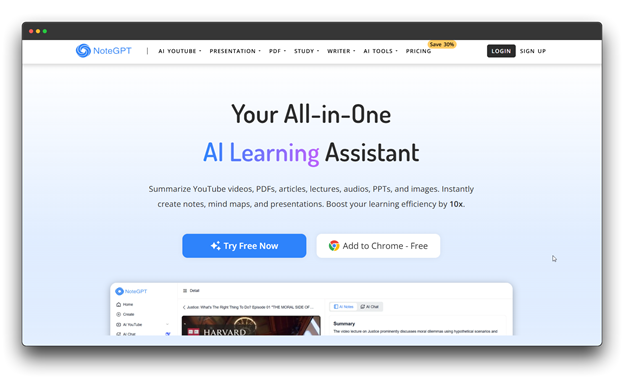
7. NoteGPT
Overview
The AI audio-to-text converter is an AI-powered note-taking and transcription tool designed for professionals, researchers, and students who require fast insights from audio or video content.
Along with transcription, it offers AI summaries, mind maps, flashcards, and YouTube transcription, making it ideal for learning and research workflows. It also includes multilingual support and a Chrome extension for transcribing web videos.
Pros
➤ Excellent for academic and research use
➤ Affordable plans suitable for students
➤ Smooth YouTube transcription integration
➤ Mind mapping and flashcards enhance study efficiency
Cons
➤ Accuracy is lower than dedicated professional transcription tools
➤ The interface can feel cluttered due to many features
➤ Limited export options
Perfect For
Students, researchers, academics, and lifelong learners who need to extract, summarize, and organize information from lectures, interviews, and educational videos.
Cost: $29 per month with unlimited audio/video transcript & summary with ai chat option.
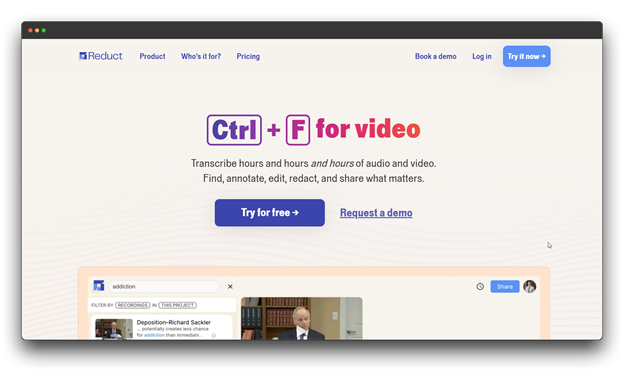
8. Reduct
Overview
For this AI Audio to Text Converter, a collaborative video analysis platform, reduct video, combines transcription with powerful editing and research tools.
Built for research-driven teams, it helps users quickly search, tag, and share key moments from interviews, usability tests, and market research footage.
Pros
➤ Searchable, organized video library
➤ Accurate speaker identification
➤ Intuitive interface for non-technical users
➤ Ideal for building research repositories
Cons
➤ Expensive for individual users
➤ Optimized for video, not general audio transcription
➤ Some learning curve for research-focused workflows
➤ Storage limitations on lower-tier plans
Perfect For
UX researchers, market research teams, product managers, and qualitative analysts who need to analyze, organize, and extract insights from video interviews and user testing sessions.
Cost: $50 per month with cross-project functionality and API access.
Tips for High-Quality Results from Audio-to-Text Converters
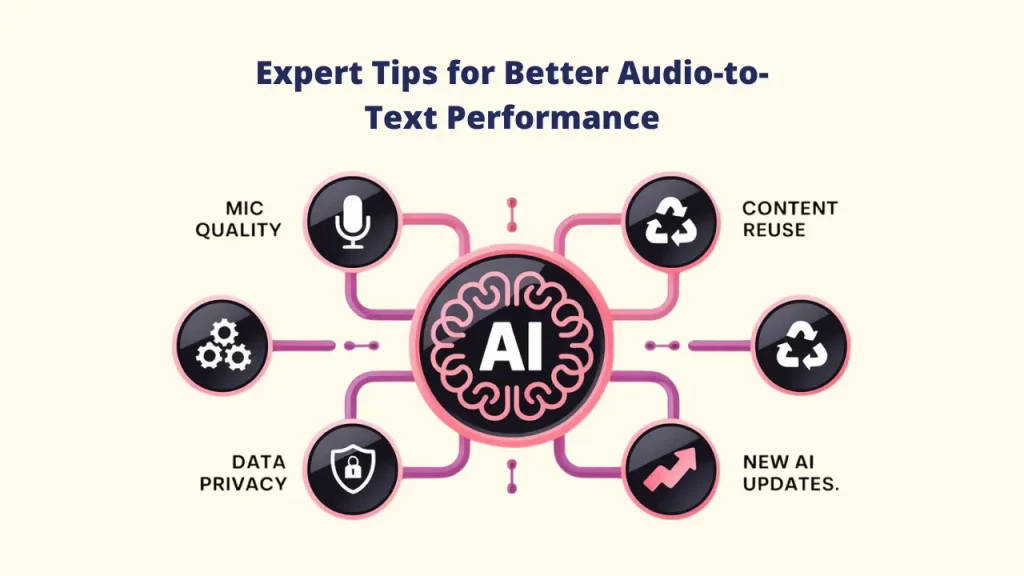
Even the most advanced AI works best when your audio is clear. Follow these quick tips to improve accuracy, save time, and get smooth, high-quality transcripts.
A. Prepare Your Audio
✔️ Use a quality microphone: A clear mic helps the AI catch every word.
✔️ Record in a quiet space: Avoid noise from traffic, echo, or background chatter.
✔️ Speak at a steady pace: Stay close to the mic, speak clearly, and avoid overlapping voices.
B. Pick the Right Settings
✔️ Turn on speaker labels: This will automatically separate various voices. For better outcomes, tools like Voisi combine the best language and audio AI in one location.
✔️ Add custom words: Teach the tool special names, industry terms, or branded phrases.
✔️ Select the right language or accent: This helps the AI understand your audio more accurately.
C. Make the Most of Your Transcript
✔️ Improve SEO: Upload transcripts to help your content rank on search engines.
✔️ Create more content: Use the AI Audio to Text Converter for blogs, social posts, email updates, or presentation slides.
E. Protect Privacy
✔️ Check security: When handling sensitive data, choose AI Audio to Text Converter programs that adhere to GDPR, HIPAA, or SOC 2.
F. Use New AI Features
✔️ Try new updates: Modern AI tools offer auto-summaries, keyword highlights, and sentiment insights to help you get quick, useful takeaways.
G. Choose the Right Pricing
✔️ For heavy use: Subscriptions from tools like Voisi or Descript are more cost-effective.
✔️ For low use: Pay-per-minute options like Rev may be the better choice.
Conclusion
AI audio-to-text converter tools are now essential for fast, clear, and accurate work in 2025. They help you save time, create content faster, improve accessibility, and stay organized across podcasts, meetings, lectures, and videos.
With stronger AI and better integrations, transcription is easier and more reliable than ever.
The process no longer requires technical skills or costly software. You can turn meeting discussions into action items, convert lectures into summaries, or shape spoken content into written material that supports SEO and long-term use.
Each tool in this list has its own strengths, but if you want a simple, accurate, and affordable option to start with, Voisi is an excellent choice.
Take a moment to consider your needs, whether you want real-time notes, multilingual support, or budget-friendly pricing, and choose the tool that fits the way you work.
Start transcribing today and turn your audio into useful, searchable, high-value text faster than ever.