
You paste your script into an AI voice tool, press play, and wince. Every word is pronounced perfectly. And yet it sounds like a robot reading a manual.
Here's the thing most people miss. Usually the voice isn't the problem. The script is.
We write for eyes, then ask a voice to read it out loud. Long sentences, formal words, bullet-point thinking. A human narrator would quietly fix all of that while recording. An AI voice won't, unless you fix it first. In this guide I'll show you how to write an AI voiceover script that sounds human. If you're still picking a tool, we've compared the best AI text-to-speech software in a separate post.
Grab a script you've already written. We'll fix it together.
Why AI Voiceovers Sound Robotic
Modern AI voices are remarkably good. They breathe, they rise and fall, they handle questions.
But they follow your text very literally. Give them a forty-word sentence and they'll read all forty words in one breath. Give them "utilize" and they'll say "utilize", even though no human ever says it out loud.
So the robotic feeling usually comes from three things. Writing that was meant to be read, not heard. Punctuation that doesn't match how people actually speak. And small technical slips, like a number or a brand name the voice guesses wrong.
All three are fixable in the script.
The Golden Rule Is to Write for the Ear
Reading and listening are different. A reader can glance back. A listener can't.
That changes everything about how you write.
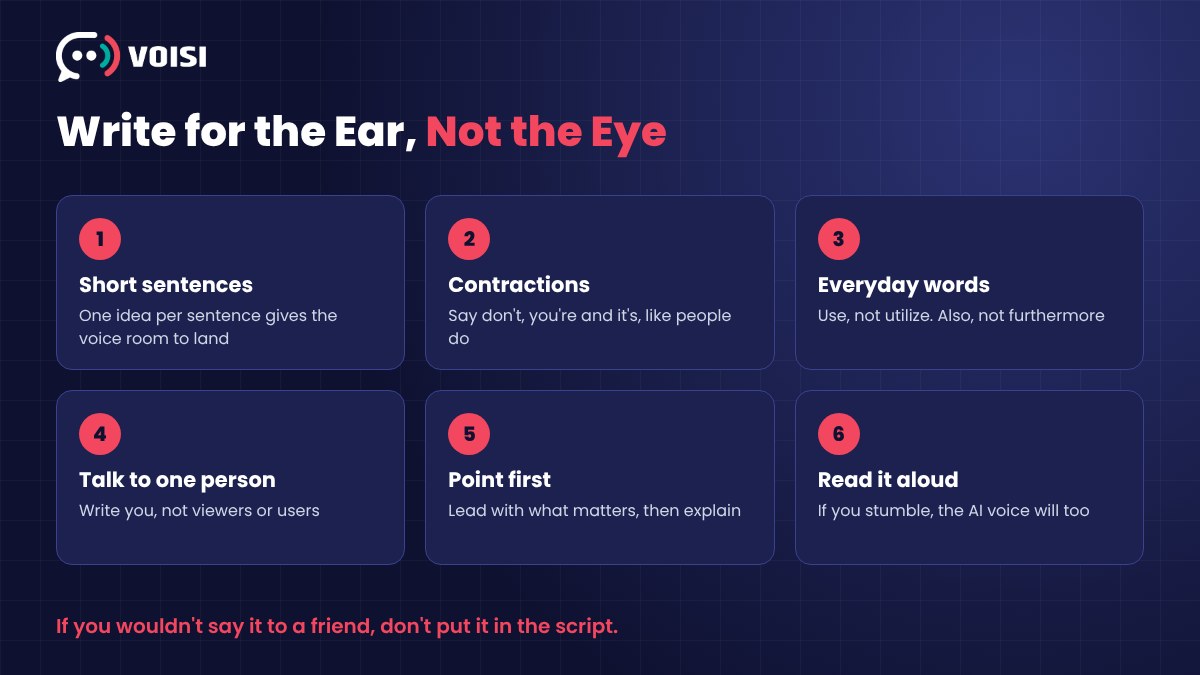
1. Use Short Sentences
Aim for one idea per sentence. If a sentence has two commas and an "and", split it.
Short sentences give the voice natural places to land. They also give the listener time to keep up.
2. Use Contractions
"It is important that you do not forget" sounds like a legal notice. "Don't forget this" sounds like a person.
Go through your script and turn every "do not", "you are" and "it is" into "don't", "you're" and "it's". This one change alone makes a big difference.
3. Swap Written Words for Spoken Ones
Nobody says "utilize", "furthermore" or "in order to" in conversation. Say "use", "also" and "to".
If you wouldn't say it to a friend over coffee, don't put it in the script.
4. Talk to One Person
"Viewers may find that..." keeps the listener at arm's length. "You'll find that..." pulls them in.
Picture one specific listener and write to them. The voice will sound warmer because the words are warmer.
5. Front-Load the Point
In writing, you can build up to the point. In audio, people drift off.
Lead with what matters, then explain. "Save an hour a week with this one setting" beats "There's a setting, hidden in the menu, which many people overlook, that can save you an hour a week."
6. Repeat the Important Bits
On a page, repetition feels lazy. In audio, it helps. A listener who missed your key point the first time will catch it the second time.
Use Punctuation to Direct the Voice
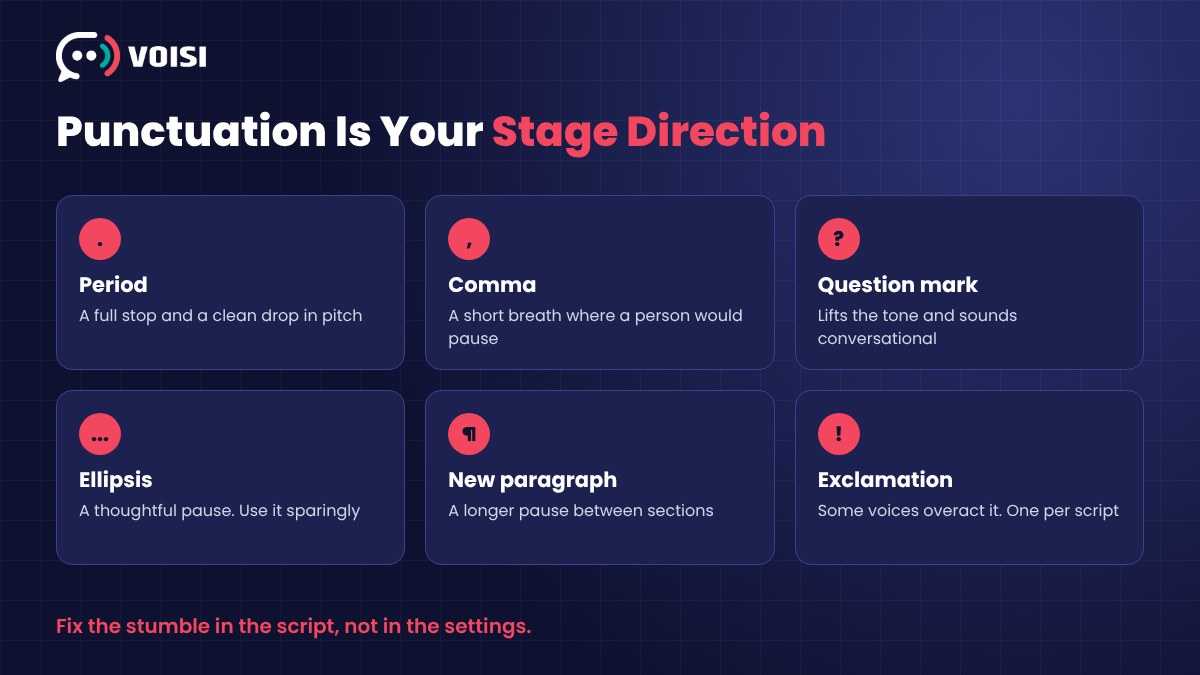
Think of punctuation as stage directions. It's the main way you tell an AI voice how to perform.
- Periods make a full stop and a clean drop in pitch. Use more of them.
- Commas make a short breath. Add one where a human would naturally pause, even if grammar doesn't need it.
- Question marks lift the tone at the end. Asking the listener a question is a great way to sound conversational.
- Ellipses create a hesitant, thoughtful pause. Use them sparingly, or the voice sounds unsure of itself.
- New paragraphs usually add a longer pause. Handy between sections.
Exclamation marks? Be careful. Some voices overact them. One per script is usually plenty.
Fix Numbers, Names and Acronyms
This is where AI voices trip up most often. And it's the easiest thing to fix.
Write numbers the way you'd say them. Is "2025" a year or a quantity? Is "1/2" a half or the first of February? Spell it out if there's any doubt, like "twenty twenty-five" or "half".
Spell brand names phonetically if needed. If the voice keeps mangling a name, write it the way it sounds. Ugly on paper, perfect in audio.
Decide on acronyms. Should "SEO" be spelled out letter by letter? Usually the voice gets it right. But for less common ones, add spaces or periods, or write the full words.
Check URLs and emails. "getvoisi dot in" reads better than a raw web address.
A Before and After Example
Here's a typical written script line.
Before. "Our software, which was developed in 2023 and utilizes advanced AI technology, enables users to create professional-quality voiceovers in over 100 languages without the necessity of recording equipment."
After. "Want a professional voiceover? You don't need a microphone. Just type your script, pick a voice, and you're done. In over a hundred languages."
Same message. One sounds like a brochure. The other sounds like someone talking to you.
Pick the Voice After the Script, Not Before
Once your script reads well out loud, then choose the voice.
Match the voice to the job. A calm, steady voice for tutorials and training. Something brighter for ads and social clips. A warmer, slower read for stories and audiobooks.
Then adjust speed. Most scripts sound more natural slightly slower than the default, especially when there's a lot of information.
And try at least three voices with the same script. It's surprising how much the right voice changes the feel.
Listen Back Like a Stranger
Generate the audio, then listen without reading along. Close your eyes if it helps.
- Did any sentence feel too long?
- Was a word mispronounced?
- Did a pause land in the wrong place?
- Did your attention drift anywhere?
Every stumble you hear points to a line you can rewrite. Fix it in the script, not by fiddling with settings. Then generate again.
Two or three rounds is normal. That's still far faster than booking a studio.
How Voisi Helps Your Script Sound Its Best

A great script still needs the right voice. That's why we built Voisi.
Voisi gives you 450+ lifelike voices from providers like OpenAI, Microsoft, Google, Amazon and IBM, all in one place, with a live preview of each one. So trying three voices on the same script takes a minute, not three separate accounts.
Writing a dialogue, a podcast or a story with more than one speaker? Voisi can turn a conversation script into audio with two or more voices, no special formatting needed.
You can also clone your own voice from a 15-second sample, choose from many accents, translate your script into other languages, add AI-generated background music and download the result as an MP3.
Voisi costs $6.99 a month or $67 a year.
Final Thoughts
A robotic AI voiceover is almost always a script problem in disguise.
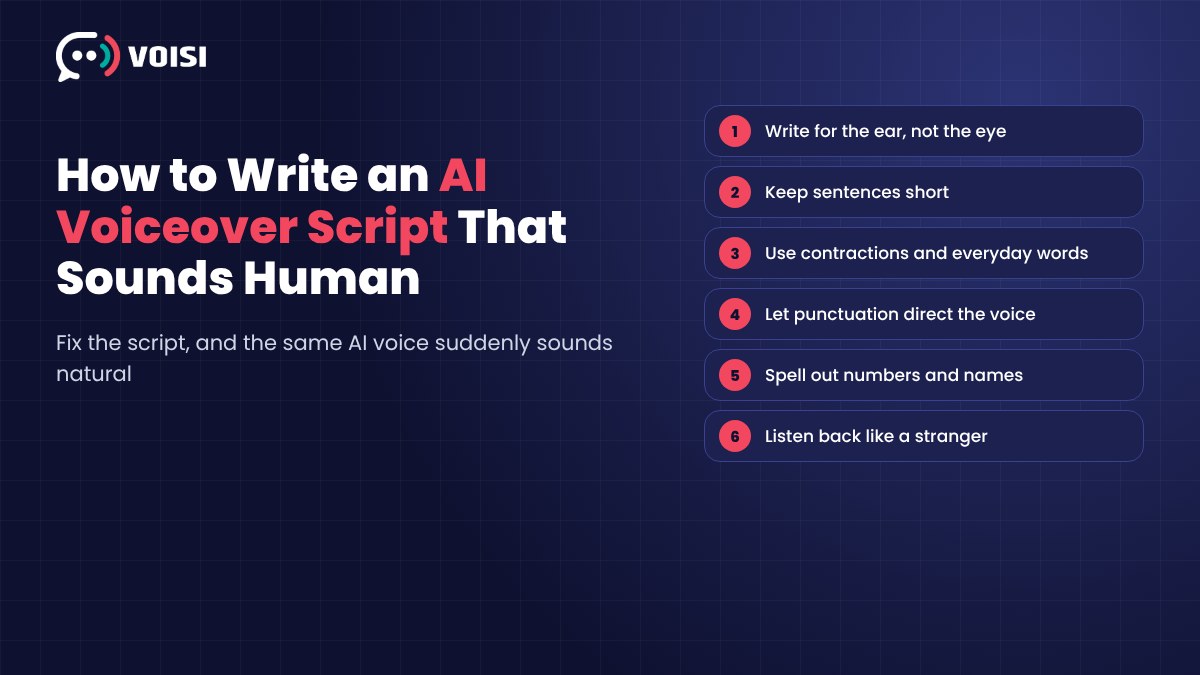
Write for the ear. Keep sentences short. Use contractions and everyday words. Let punctuation direct the performance. Spell out numbers and tricky names. Then listen back like a stranger and fix what trips you up.
Do that, and the same AI voice suddenly sounds human.
If you'd like to compare tools before you start, take a look at our list of the best AI text-to-speech software tools.
FAQs About Writing AI Voiceover Scripts
How long should an AI voiceover script be?
Most voices read somewhere around 130 to 160 words per minute, depending on the voice and speed setting. Generate a short test and time it, then use that pace to size the rest of your script.
Can I make an AI voice sound emotional?
Partly through the script. Short lines, questions and well-placed pauses add a lot of feeling. Picking a voice that suits the mood does the rest.
Why does the AI mispronounce certain words?
Names, brands, acronyms and numbers can be ambiguous. Write them the way they should sound, even if it looks odd on the page.
Should I write differently for a multi-speaker script?
Yes. Keep each line short, make it obvious who's speaking, and let speakers react to each other. Real conversations have quick back-and-forth, not long speeches.